
Nextbot Survival & Parkour
Evade Wiki
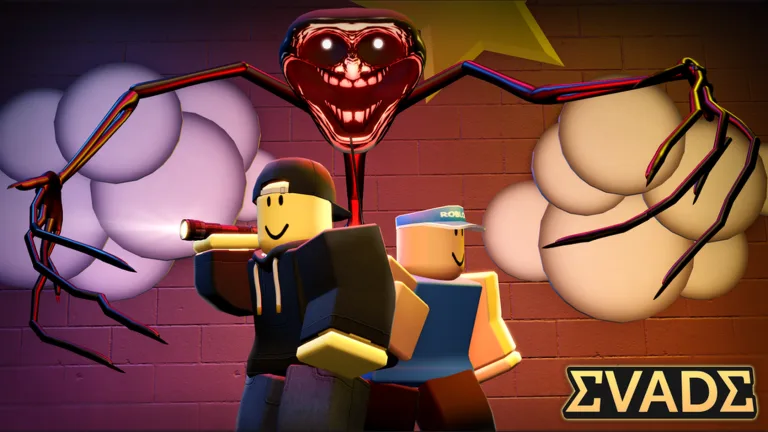
Stay ahead of pursuing Nextbots in a movement-focused Roblox survival game. Learn the controls, plan your escape routes, and tackle each round with greater confidence.
- Created Jun 2022
- Updated Oct 2, 2026
- 9.25B+ Visits
- 93.9% Positive Votes
- 15-Player Standard Servers
Evade Guides Hub
Eight research-backed guides covering codes, beginner steps, movement, controls, maps, Nextbots, emotes, and level progression.
Latest Updates
Evade Angry Munci Guide: How to Survive the Iconic Nextbot
Master the Evade Angry Munci challenge with our expert tips. Learn strategies to outrun, dodge, and survive this iconic Roblox nextbot in special rounds.
CharactersRead more →Evade Bobo Guide: How to Survive the Iconic Roblox Nextbot
Master the Evade Bobo threat with our expert guide. Discover survival tips, movement strategies, and essential stats to outrun this iconic Roblox character.
CharactersRead more →Understanding the Evade Defect: A Complete Guide for Roblox Players
Discover everything about the Evade Defect in Roblox. Learn character lore, survival tactics, and gameplay tips to master this popular survival horror experience.
CharactersRead more →Who is Jard in Evade? Everything to Know About This Lore Character
Discover the mysterious background of Jard in Evade. Learn about his role in the game's lore, character design, and how to get his cosmetic in Roblox.
CharactersRead more →
Start Here
Beginner Guide
Learn how to join your first round, recognize the threat, and get comfortable with the essential Evade controls.
Read more →Movement & Survival
Practice choosing escape routes, staying on the move, and avoiding dead ends when Nextbots close in.
Read more →Items & Usables
Get familiar with equipment controls and the Usables Menu so you can find what you need during a round.
Read more →Maps & Game Modes
Explore Evade's maps and learn about options such as Casual, Big Team, and Legacy Evade before choosing your next session.
Read more →
Popular Pages
Trending Now

codes
Looking for the latest Evade codes? Discover the active codes for October 2026 to claim free points and exclusive cosmetics in this thrilling Roblox hit.
Read more
how to open inventory
Learn how to open inventory in Evade on Roblox. Discover step-by-step instructions on equipping items, managing your loadout, and surviving Nextbots.
Read more
controls
Struggling with movement? Discover how to optimize your Evade controls, fix common button glitches, and master advanced movement to survive longer in-game.
Read more
get points
Discover the best methods for Evade how to get points efficiently. Learn how to master daily missions, event exchanges, and shop strategies to unlock rare gear.
Read more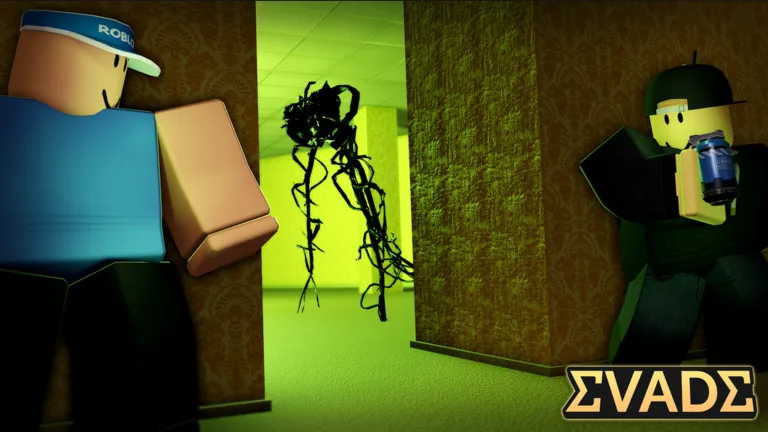
levels and xp
Discover the best strategies to level up fast in Roblox Evade. Learn how to earn XP, unlock rewards, and master the progression system in this comprehensive guide.
Read more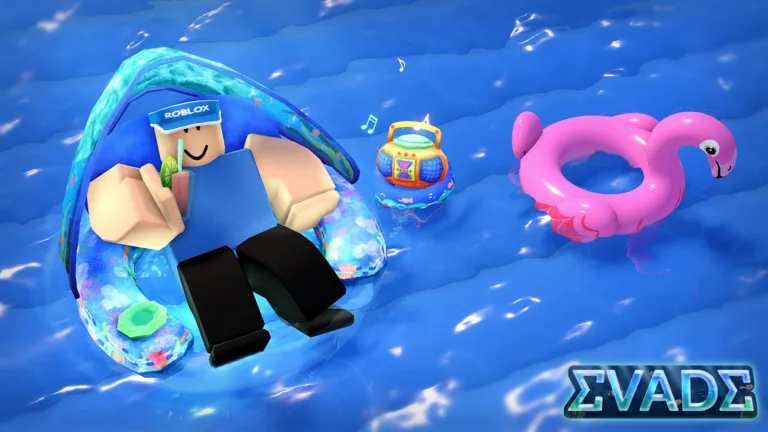
drink cola
Master the art of movement in Roblox Evade. Learn how to drink cola on PC to boost your speed and survive longer with our easy-to-follow expert guide.
Read more
What is Evade?
Evade is an action parkour survival experience on Roblox, developed by Hexagon Development Community. Players navigate maps while avoiding pursuing enemies called Nextbots.
Inspired by Garry's Mod, Evade puts movement at the center of survival. Learn your controls, explore different modes, and use teamwork to handle the chase.
Explore All Guides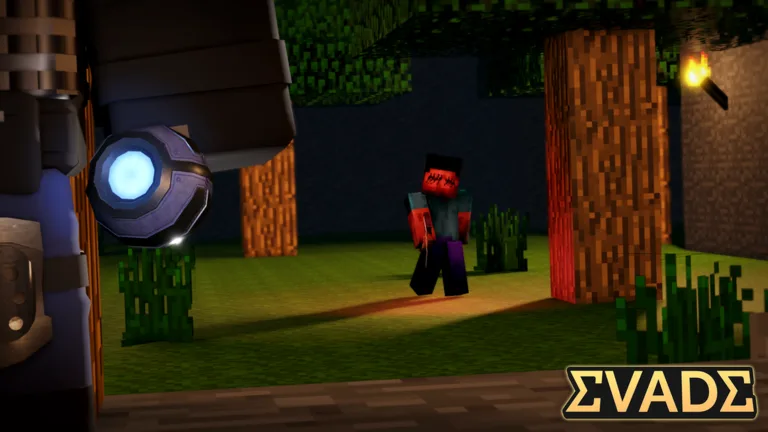
- Developer
- Hexagon Development Community
- Platform
- Roblox
- Genre
- Parkour Survival
- Visits
- 9.25B+
- Favorites
- 8.28M+
- Positive Rating
- 93.9%
- Standard Server Size
- 15 players
- Platforms
- Roblox
- Genres
- Parkour Survival, Action
- Players
- 1–15
- Modes
- Multiplayer, Co-op
- Developer
- Hexagon Development Community
Explore the wiki
Evade Codes
Find Evade codes and their free Points rewards. The cited source reported these codes active on October 1, 2026; availability can change, so enter each code exactly as written.
Codes are entered through the in-game Codes menu. The source cited below listed them as active on October 1, 2026; availability can change at any time, so redeem each code exactly as written.
HAPPY4THBIRTHDAYEVADE
Reported Active40 Points
isurviveddatahaul
Reported Active60 Points
Evade Beginner Guide
Learn how to enter your first round and survive the Nextbot chase. Start with essential interactions, crouching, and menu controls before practicing advanced movement.
1
Join Evade on Roblox and select Play to start.
2
Keep moving to avoid pursuing Nextbots; running, hiding, and teamwork are central to survival.
3
On PC, use E to interact and C or Ctrl to crouch.
4
Press M or select the in-game Menu button to return to the menu.
Evade Movement Guide
Practice bunny hopping, strafing, and slide hopping using Evade movement demonstrations. Build your technique gradually so you can change routes and handle a chase with more confidence.
1
Practice bunny hopping by chaining jumps as you land.
2
Add strafing to control your direction while hopping.
3
Practice slide hopping by combining a slide with a jump.
4
Practice changing direction to juke pursuing Nextbots instead of relying on a straight escape route.
Evade Controls
Find the current PC keybindings for interactions, equipment, emotes, and menus. Keep the essential shortcuts together so you can spend less time searching for a button during a chase.
| Key | Action |
|---|---|
| E | Interact. |
| C / Ctrl | Crouch. |
| 1 / 3 / F | Equip an item. |
| 2 | Open the Usables Menu. |
| G | Use an emote. |
| T | Whistle. |
| M | Open the Menu. |
| N | Open the VIP Menu. |
Evade Maps & Secrets
Explore Evade maps through their distinctive encounters and badge objectives. Learn about the Desert Bus vehicle objective, the Arid Ruins secret entrance, and the Rolling Giant encounter in Valley View Mall.
Desert Bus
The Hit and Run badge requires running over a Nextbot with the bus in Desert Bus.
Arid Ruins
The Procedure badge requires finding keys and unlocking the secret entrance in Arid Ruins.
Valley View Mall
The developer's Rolling Giant showcase features a wooden creature encounter in Valley View Mall.
Evade Nextbots
Understand the enemies behind Evade's chase-based survival and learn about its 3D encounters. The developer's showcases introduce distinct behaviors, high-speed threats, and the Rolling Giant collaboration.
Nextbot Chases
Nextbots pursue players, making movement and escape routes central to survival.
3D Nextbots
The official showcase introduces 3D Nextbots with distinct behaviors and high speed, appearing on particular maps or in special rounds.
The Rolling Giant
A wooden creature featured in an official Evade collaboration with Darkest Hours, shown in Valley View Mall.
Evade Emotes
Explore named Evade emotes, music packs, and extra equipment slots. Compare the four-emote pack with musical options and learn how the slot upgrade expands your equipped collection.
Emote Pack
Includes Gangnam, Griddy, Take the L, and Macarena.
+6 Emote Slots
The official upgrade doubles the number of emotes you can equip in-game.
Music Emotes Pack 2
Includes five musical emotes; its aura functionality is currently marked as work in progress in the official listing.
PC Emote Control
Press G to use an emote.
Evade Levels & Progression
Track documented Evade level milestones and set your next progression goal. Explore the official level badges, from early achievements through the long-term Level 1000 milestone.
Level 25
An official badge milestone awarded for reaching Level 25.
Level 100
An official badge milestone awarded for reaching Level 100.
Level 500
An official badge milestone awarded for reaching Level 500.
Level 1000
An official badge milestone awarded for reaching Level 1000.
Evade FAQ
Common questions about Evade, answered for new Roblox players and returning survivors learning the current controls.
How do I start playing Evade, and what is the goal?
Join Evade on Roblox and select Play. Avoid the pursuing Nextbots and use movement, hiding, and teamwork to survive. Press M or select Menu to return to the menu.
What are the main Evade controls on PC?
The current official Evade listing assigns E to interact, C or Ctrl to crouch, G to emote, and T to whistle. These keyboard bindings apply to PC controls.
How do I equip items in Evade on PC?
Press 1, 3, or F to equip an item in Evade. Press 2 to open the Usables Menu, according to the current official control list.
How many players can join an Evade server?
The main Evade place has a maximum server size of 15 players in Roblox's official data. Other modes, such as Big Team, may use different limits.
Is Roblox Evade the same game as Evade on Steam?
No. Hexagon Development Community's Evade is a Roblox experience. The Steam game named Evade is a separate bullet-hell shooter developed by Argos Games and released on February 10, 2021.
Does Evade contain flashing lights or loud sounds?
Yes. The Evade developer warns that players may experience flashing lights and loud sounds in-game. Keep this in mind before starting a session.
Where can I follow official Evade updates?
Use the official Evade Discord server for news, community announcements, and details behind updates. The developer's Roblox community is Hexagon Development Community.
Ready to Master Evade?
Build confidence with the controls, improve your escape routes, and get ready for your next Nextbot chase.